Docs › Modules › Sales › Sales Settings
Payment methods
This interface allows you to add payment methods. On the screen you see Heather (1) and List (2).
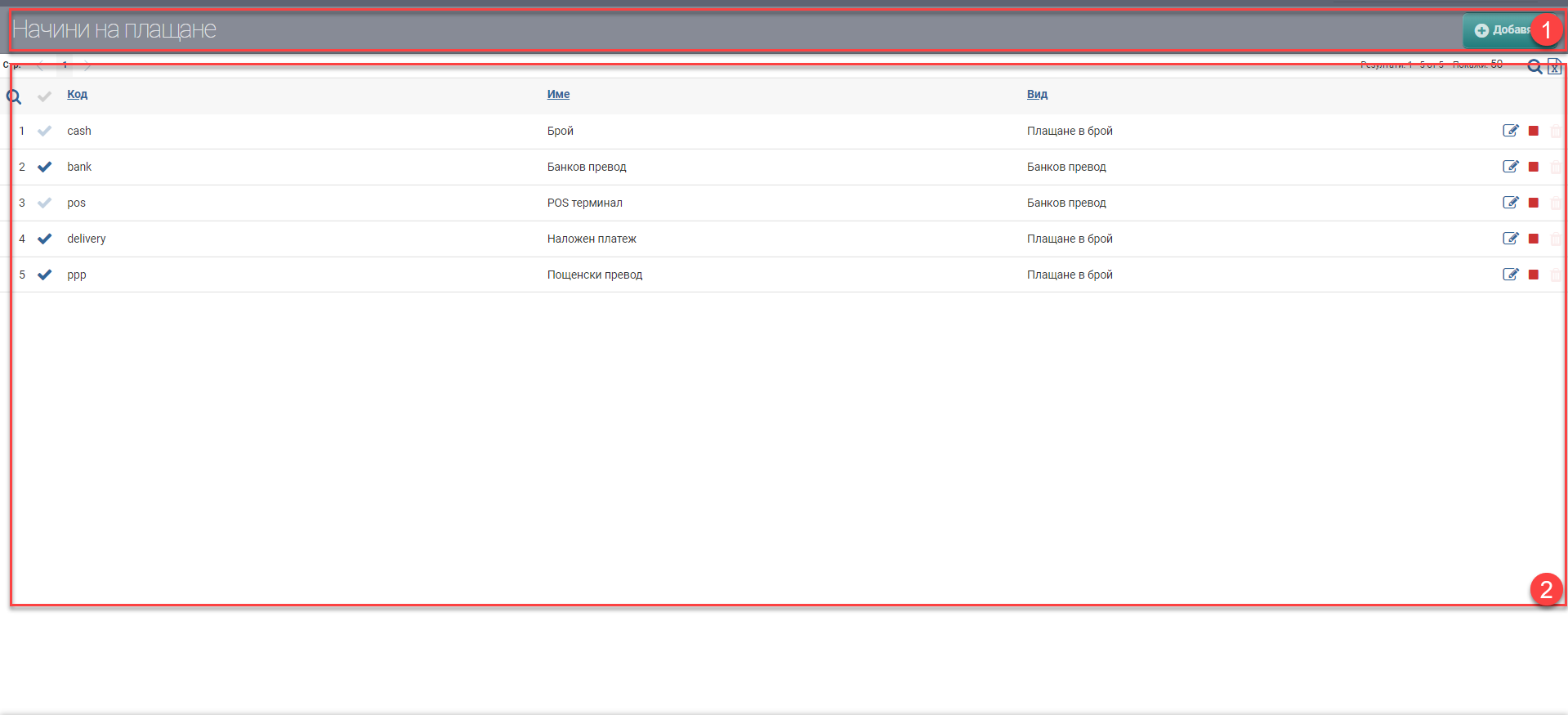
In the Header, you see the Add button to add a payment method.
The list consists of all the payment methods you have entered.
| Column | Description |
| Name | Name of payment method |
| Type | Type of payment method |
| Code | Payment method code |
You can perform the following actions on the list:
- Edit – edit payment method;
- Backup/Activate – backup/activate payment method;
- Delete – delete a payment method.