Docs › System settings and administration › System settings
Account and treasury management
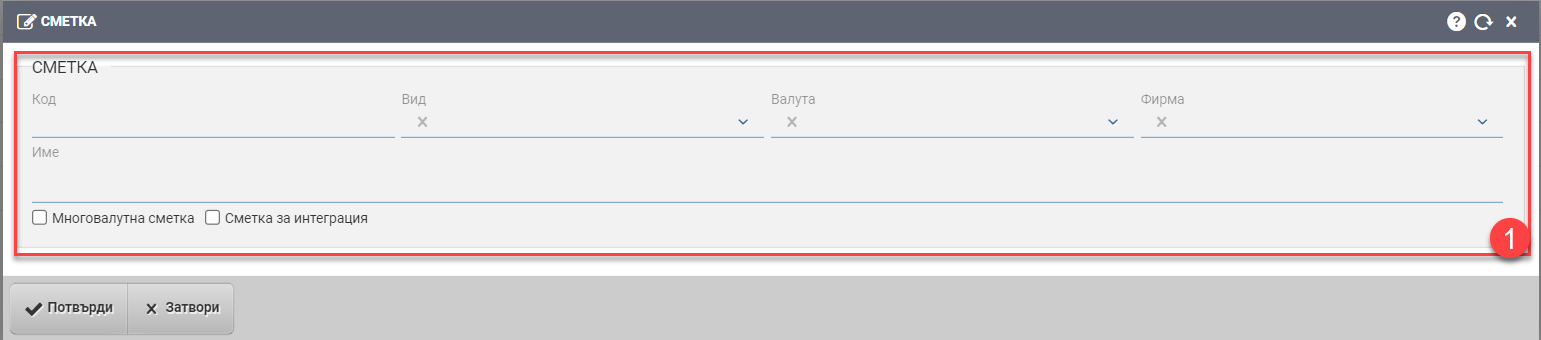
Add an account
Code
Name
Type Depending on the type of account, you will see additional fields to fill in:
Account type “Cash”
You must enter numbering data for the following documents:
Account type “Bank account”
if it doesn’t load banks for you by default, enter them in Counterparties
The “Billing Account” checkbox means that this will be the bank account that will be displayed on the printed forms of your documents.
Account type “Virtual account”
Currency
Company
Multicurrency Account Checker
Check “Not accountable”
Integration Account Checker
Fiscal device
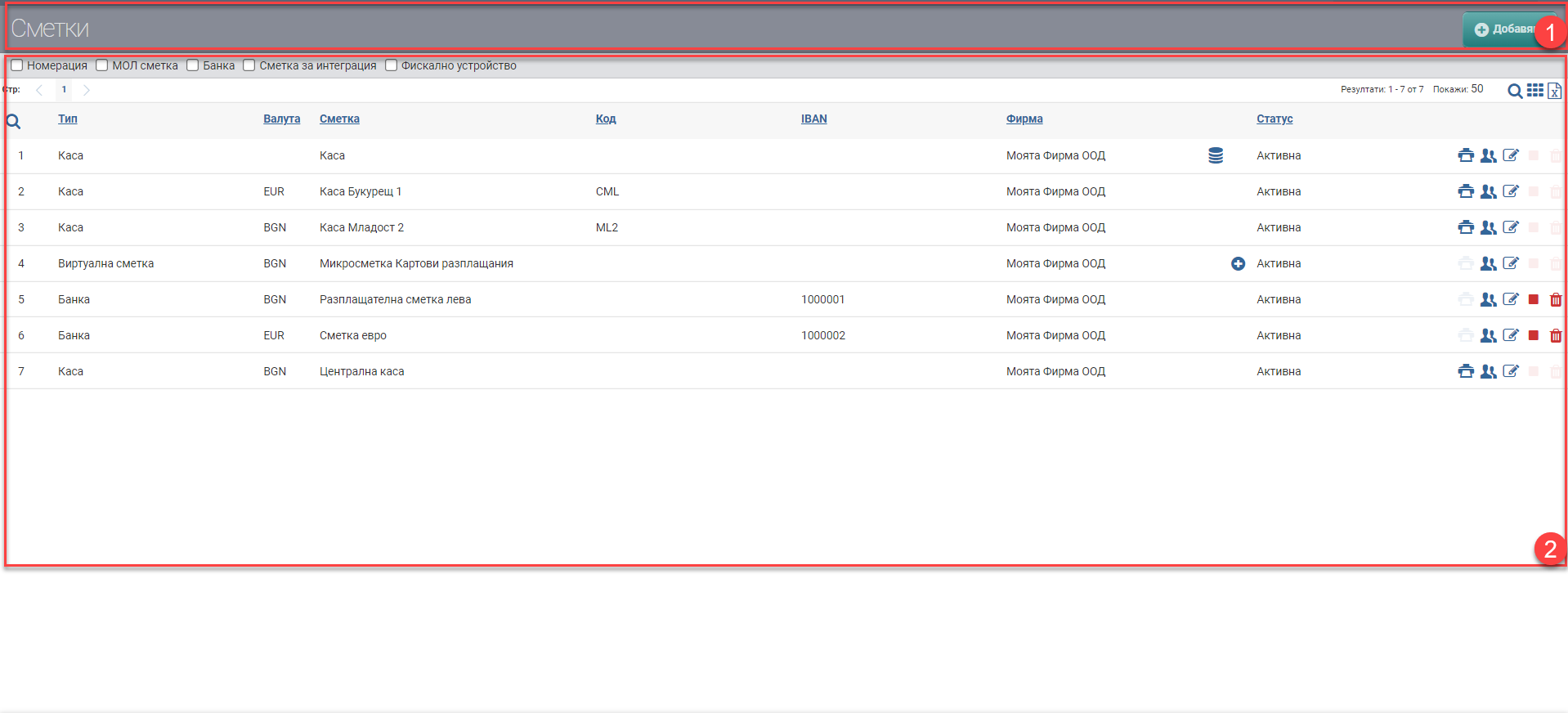
Empowerment
Editorial
Backup
Delete
———————————
—————————————–
| IBAN | |